Help · Your branded page · 2 min read
Add your booking link (Calendly, Cal.com…)
Turn your scheduler into a "Book a session" button on your lobby.
Already use Calendly, Cal.com, Acuity, or another scheduler? Paste its link into AnyRoom and it becomes a Book a session button on your lobby — so visitors can grab a time without leaving your branded page.
1
Paste your scheduler's link
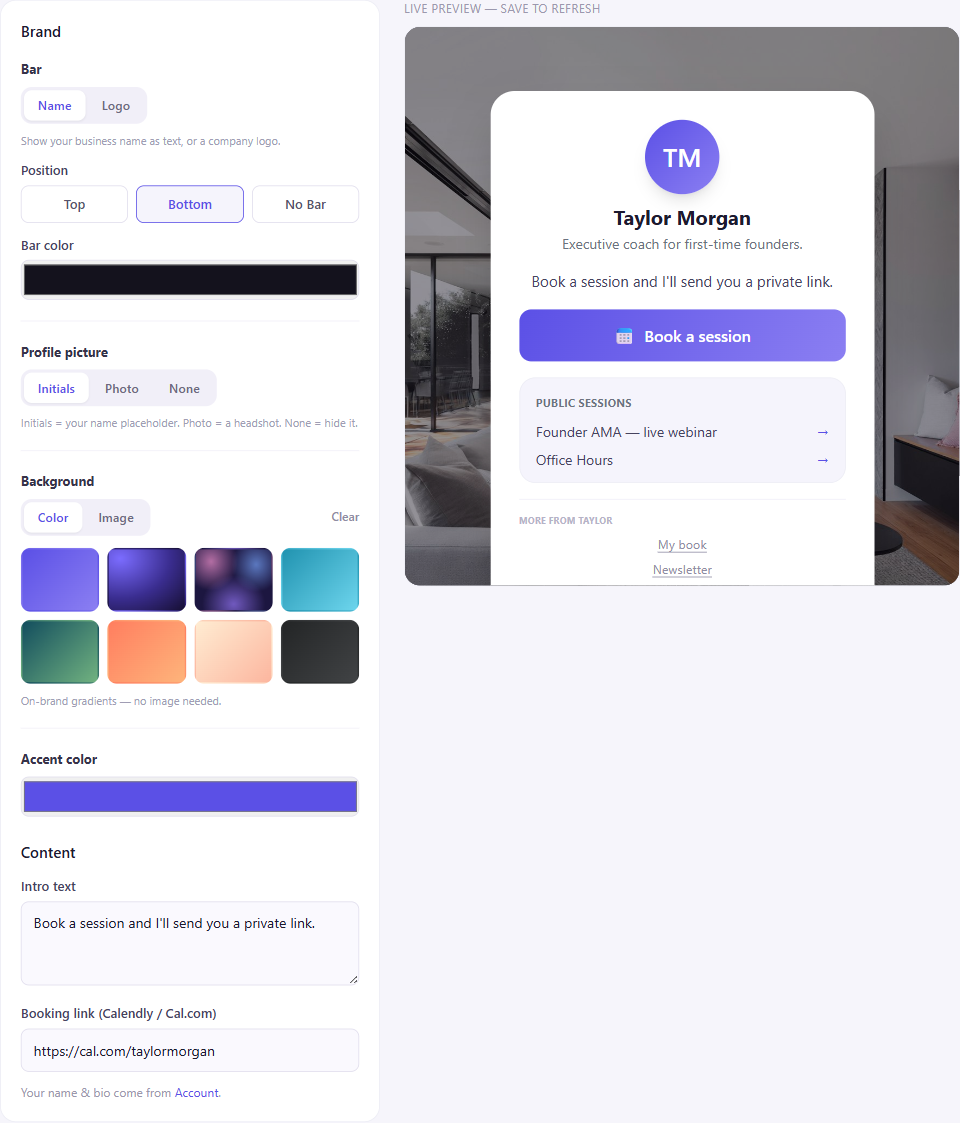
In the page builder (Lobby), drop your Calendly / Cal.com / Acuity URL into the Booking link field.
2
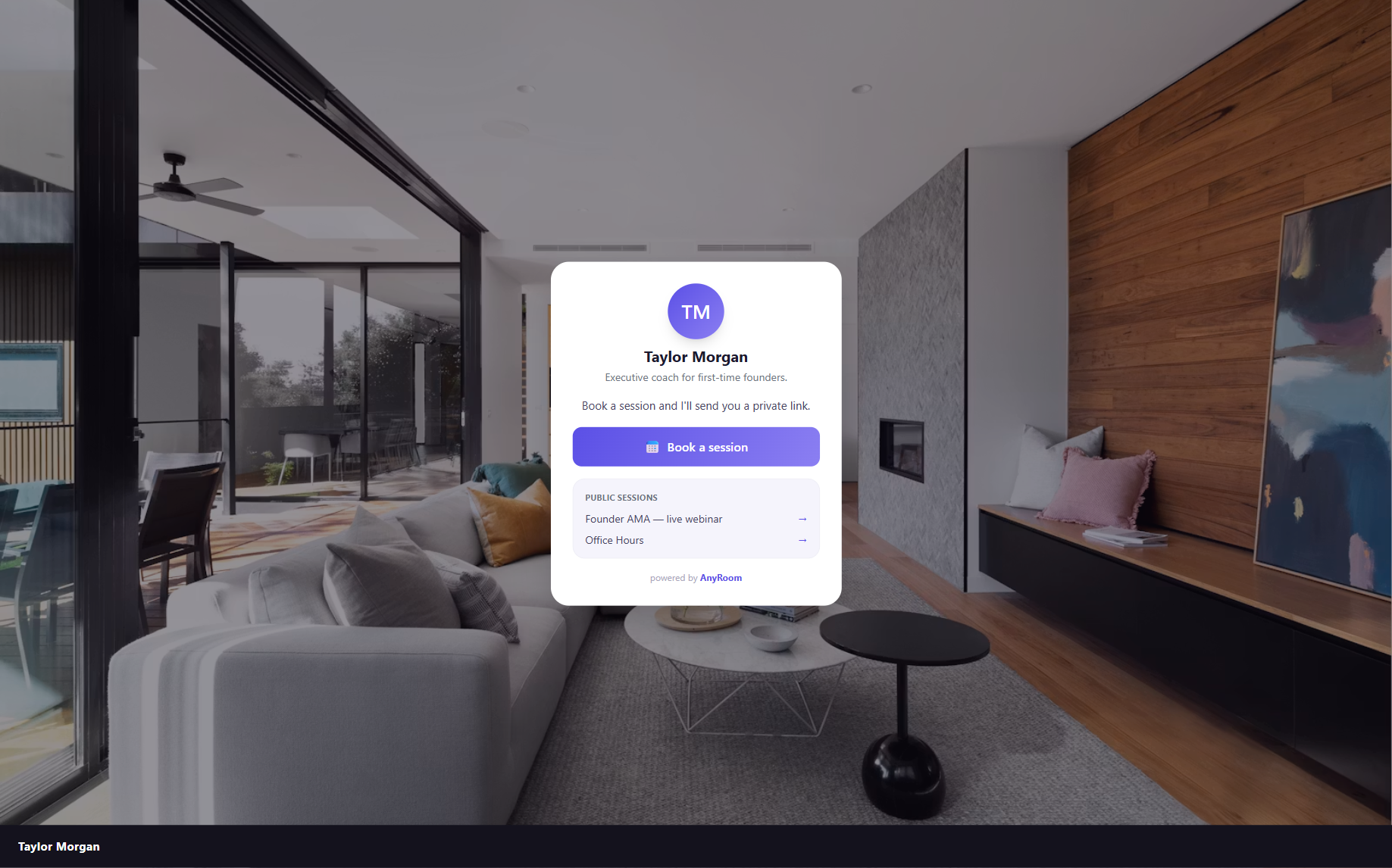
It shows up as "Book a session"
Your lobby now has a Book a session button pointing at your scheduler.
How it connects to your meeting
Booking is a simple link-out to your own scheduler — AnyRoom doesn't change anything in Calendly. After someone books, give them your AnyRoom meeting link for that session (tip: set the meeting link as the meeting location in your scheduler, so it lands in their booking confirmation).