Help · Teams (business) · 2 min read
Invite teammates & manage seats
Add members by email, give each a seat, and remove people when they leave.
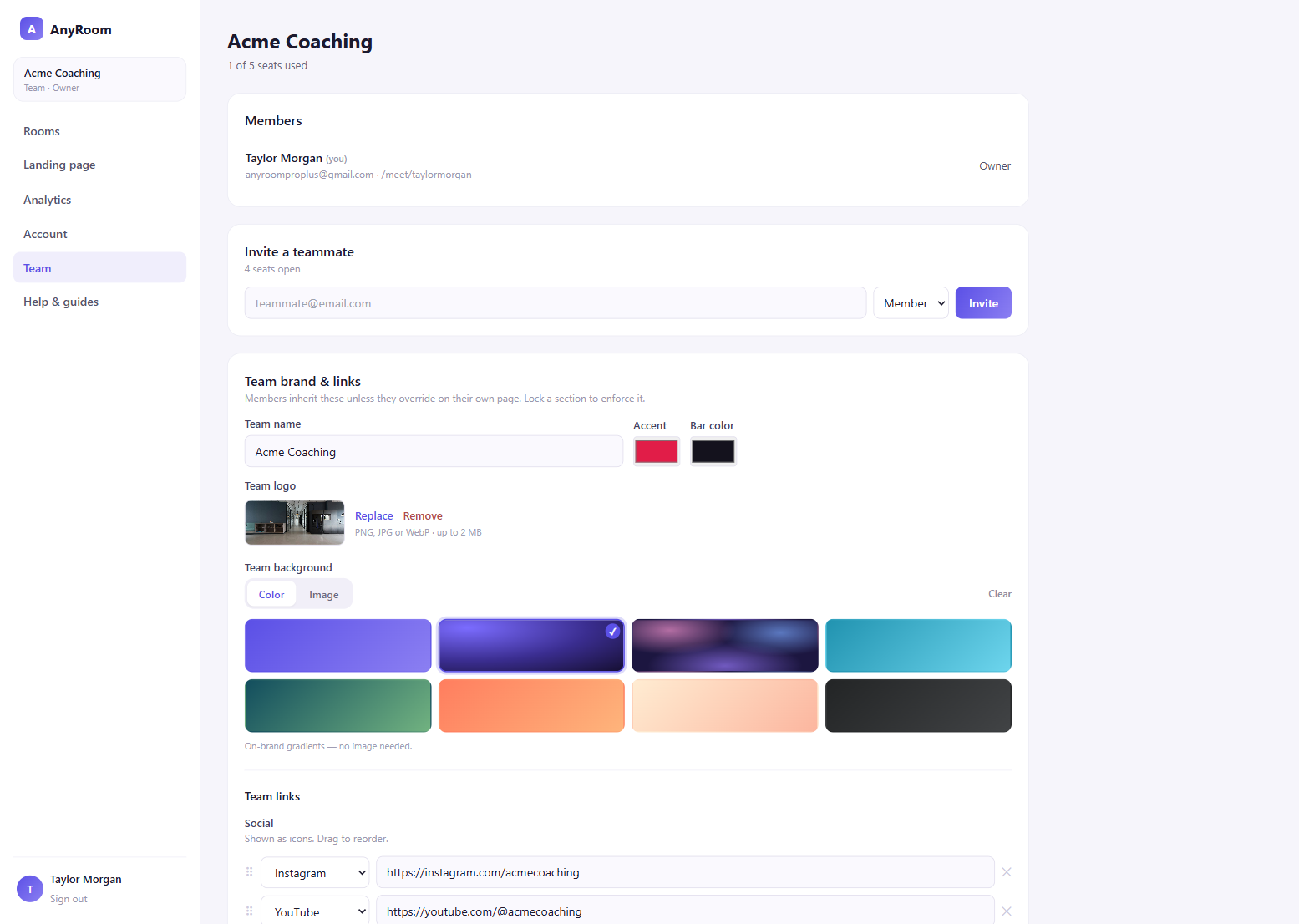
Each member of your Team takes one seat. The Team console shows how many you're using (e.g. "2 of 5 seats used").
1
Invite by email
In the Team console, under Invite a teammate, enter their email, pick a role (Member or Admin), and hit Invite. You get a copyable accept link to send them.
2
They join with their own page
When your teammate opens the link and signs in, they join the Team and get their own workspace at anyroom.app/meet/them — already wearing the team's shared branding.
3
Remove someone
Removing a member frees their seat and deactivates their page. (You can't remove the last owner.)
Email sending is on the way
For now you copy and send the invite link yourself; automatic invite emails are a fast-follow.