Help · Your branded page · 3 min read
Your Lobby explained
Your public hub at anyroom.app/meet/you — and how it relates to your meetings.
Your lobby is your public home at anyroom.app/meet/you. It's a separate thing from your individual meeting rooms — think of it as your front door.
1
What's on it
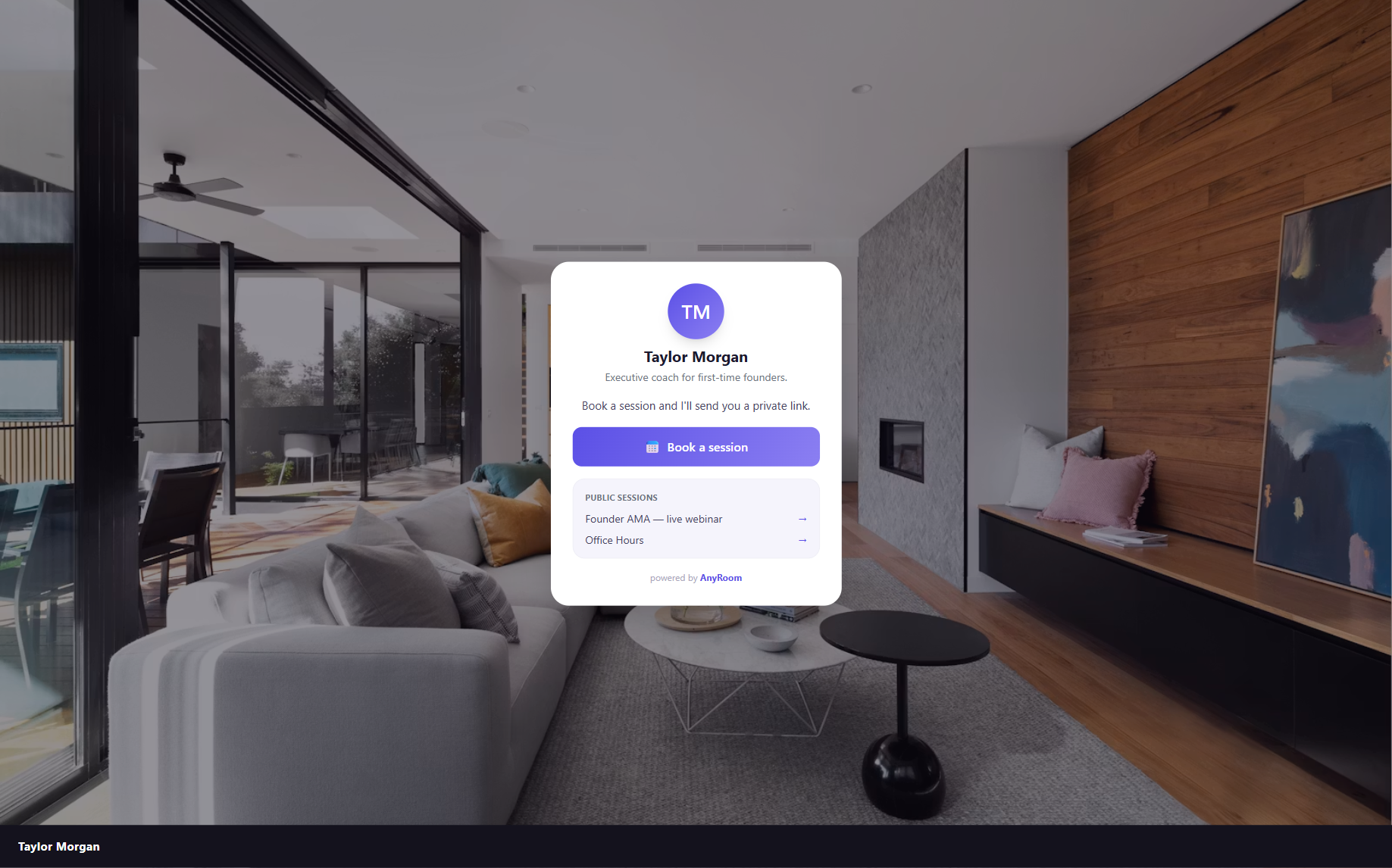
Your name and bio, a Book a session button, and any sessions you've chosen to make public — all over your branded background.
2
Lobby vs. meetings
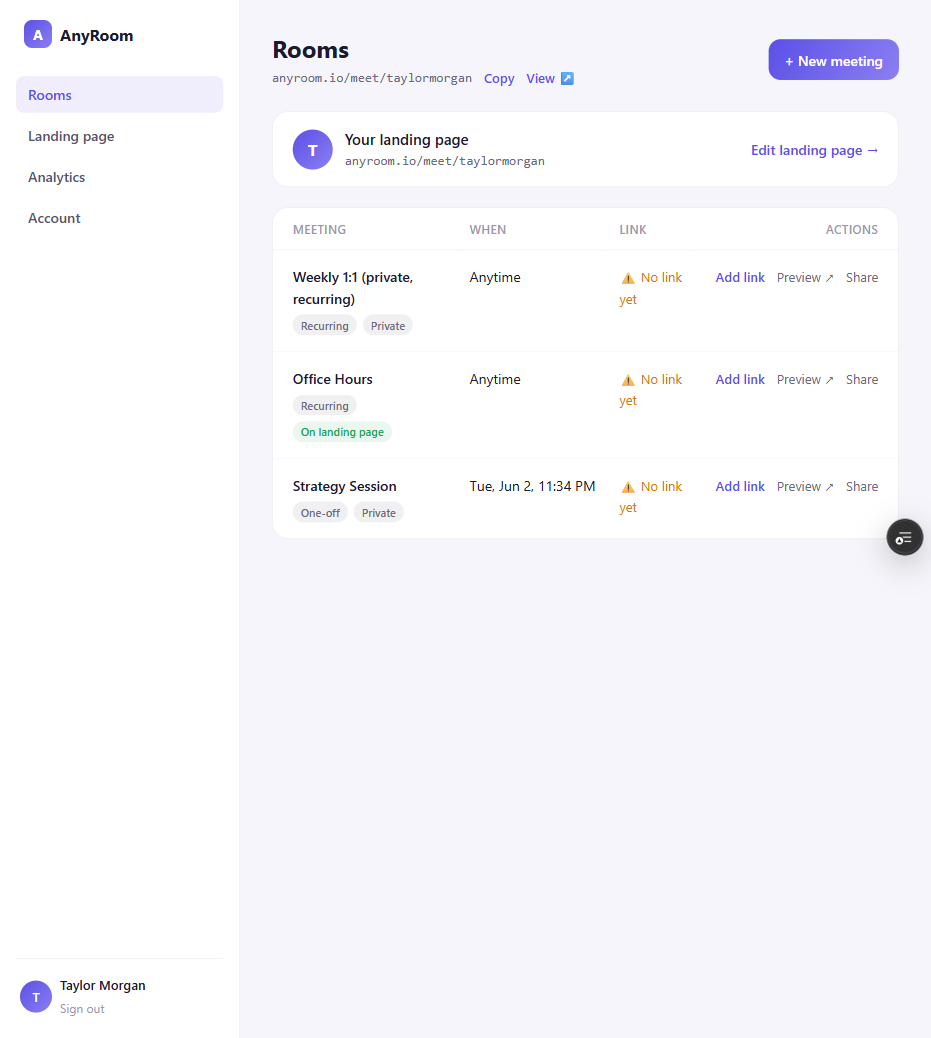
Meetings are private by default — each is its own unguessable link you share directly. A meeting only shows up on your lobby if you set its visibility to On your lobby.
3
Make it yours
Set your background, logo, colors, intro, and booking link in the page builder — see Brand your page.
Public is separate from recurring
Whether a meeting shows on your lobby is independent of whether it's one-off or recurring — see the four corners in Create a room.