Help · Set up your link · by provider · 2 min read
Set up your Zoho Personal Meeting
Zoho's Personal Meeting is a permanent link — on a paid Standard plan or higher.
Zoho's Personal Meeting Room is a permanent, password-protected link — but it's a paid feature (Standard plan or higher).
1
Open your Personal Meeting
In Zoho Meeting on a Standard+ plan, open Personal Meeting and copy the meeting link.
2
Paste it into AnyRoom
Paste the meeting link into your AnyRoom meeting.
Good to know
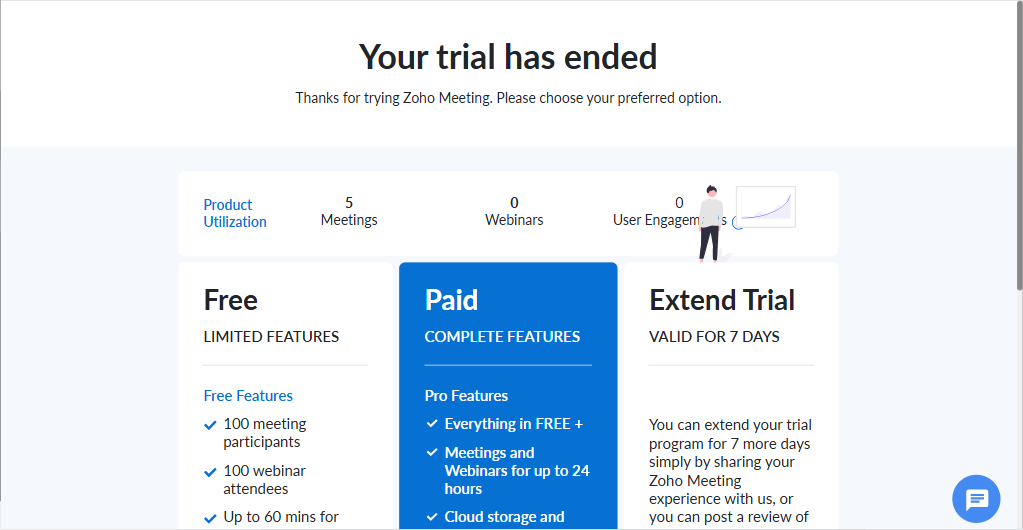
The Personal Meeting needs a paid Standard plan or higher — the free plan has no personal meeting and caps meetings at 60 min. Prefer Zoom, Meet, or Teams if you're staying on free plans.