Help · Teams (business) · 2 min read
Create your Team
Turn your account into a shared business account with one brand kit.
A Team is a shared account with one set of branding and a list of members. The person who creates it is the owner.
1
Find the Team console
Once you're on a Team plan, a Team item appears in your sidebar (it only shows for owners and admins). That's your console for branding, members, and seats.
2
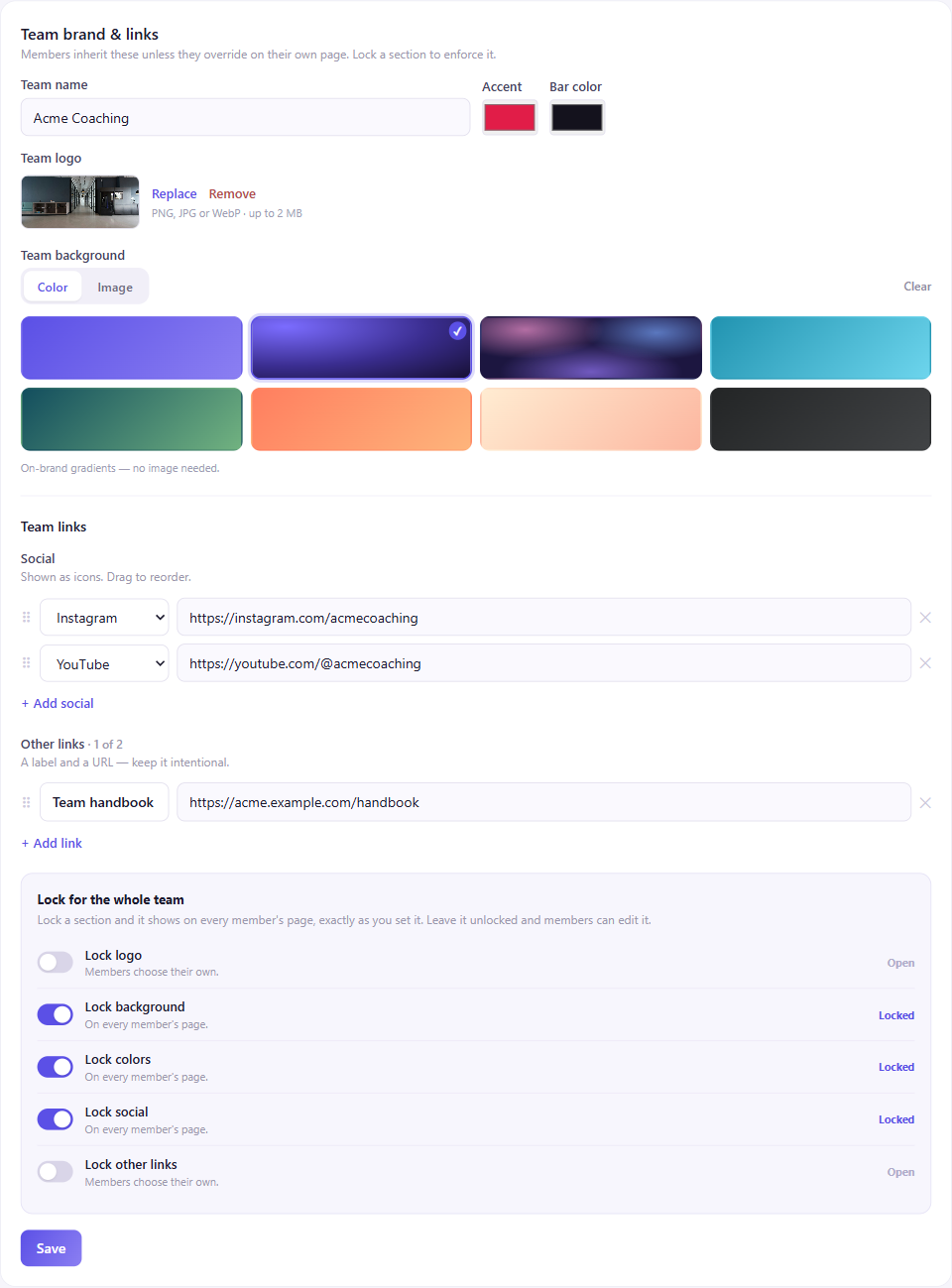
Name it and set the look
Give the team a name and set its shared brand kit — logo, background, colors, and links that members inherit. See Shared team branding & locks.
3